Navigate, search, and present a canvas
Move around a drawing, find elements, and present a canvas without editing it.
Use these controls when a drawing is larger than the viewport or when you need to present it. You can pan, zoom, fit the scene, search text and frames, select with a lasso, and switch to view mode.
Before you begin
Open the hosted editor at /. The guest editor starts with a blank canvas. If you need content to search, create or open a drawing first; search matches elements in the current scene.
Move around the canvas
Select Hand (panning tool), then drag the canvas. You can also press the secondary mouse button and drag; movement begins after the pointer passes the click threshold, and the cursor changes to a grabbing cursor.
Use Zoom in, Zoom out, or Reset zoom. From the menu, choose Zoom to fit in viewport, Zoom to fit selection, or Zoom to fit all elements. The viewport changes without changing the drawing.
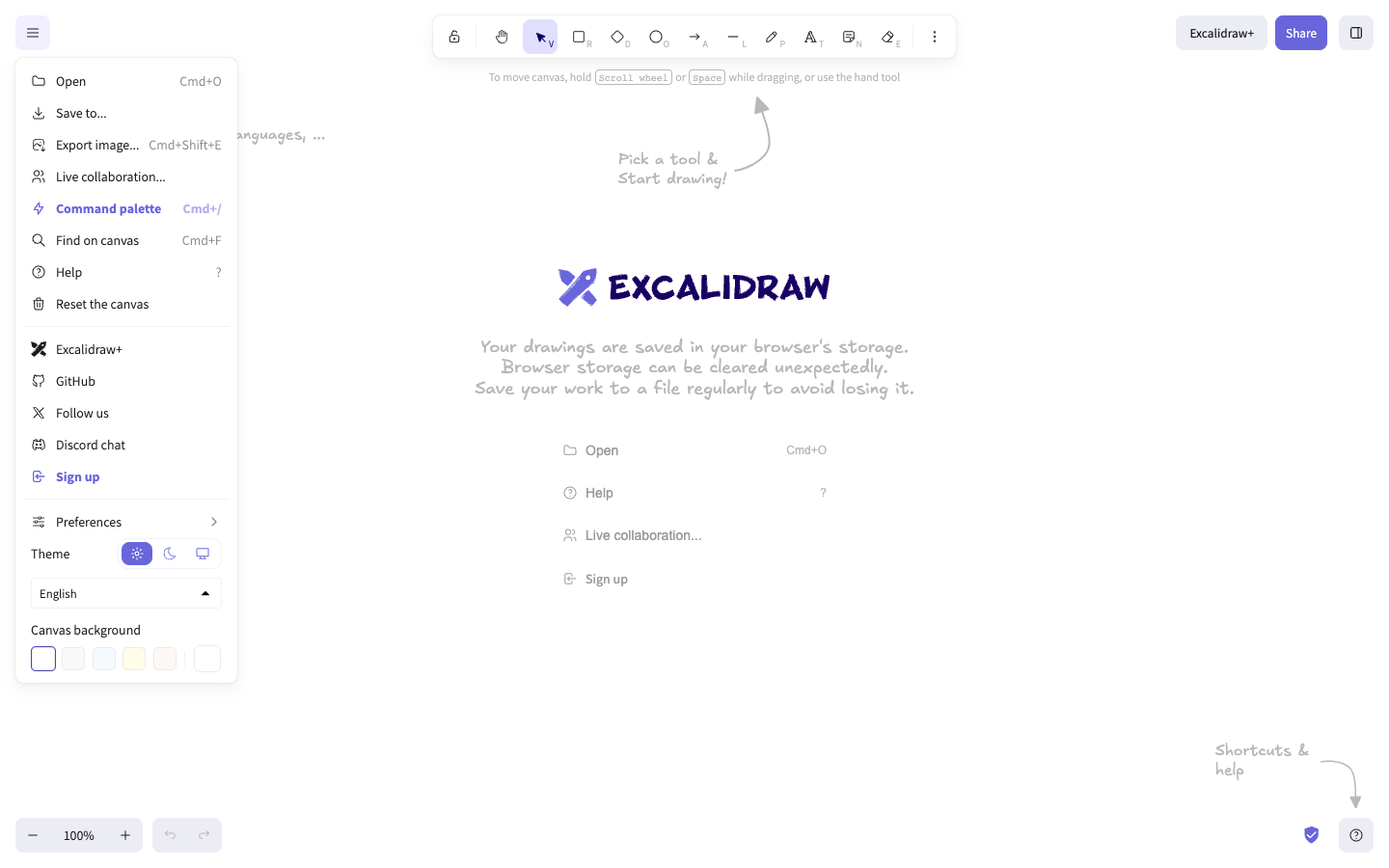
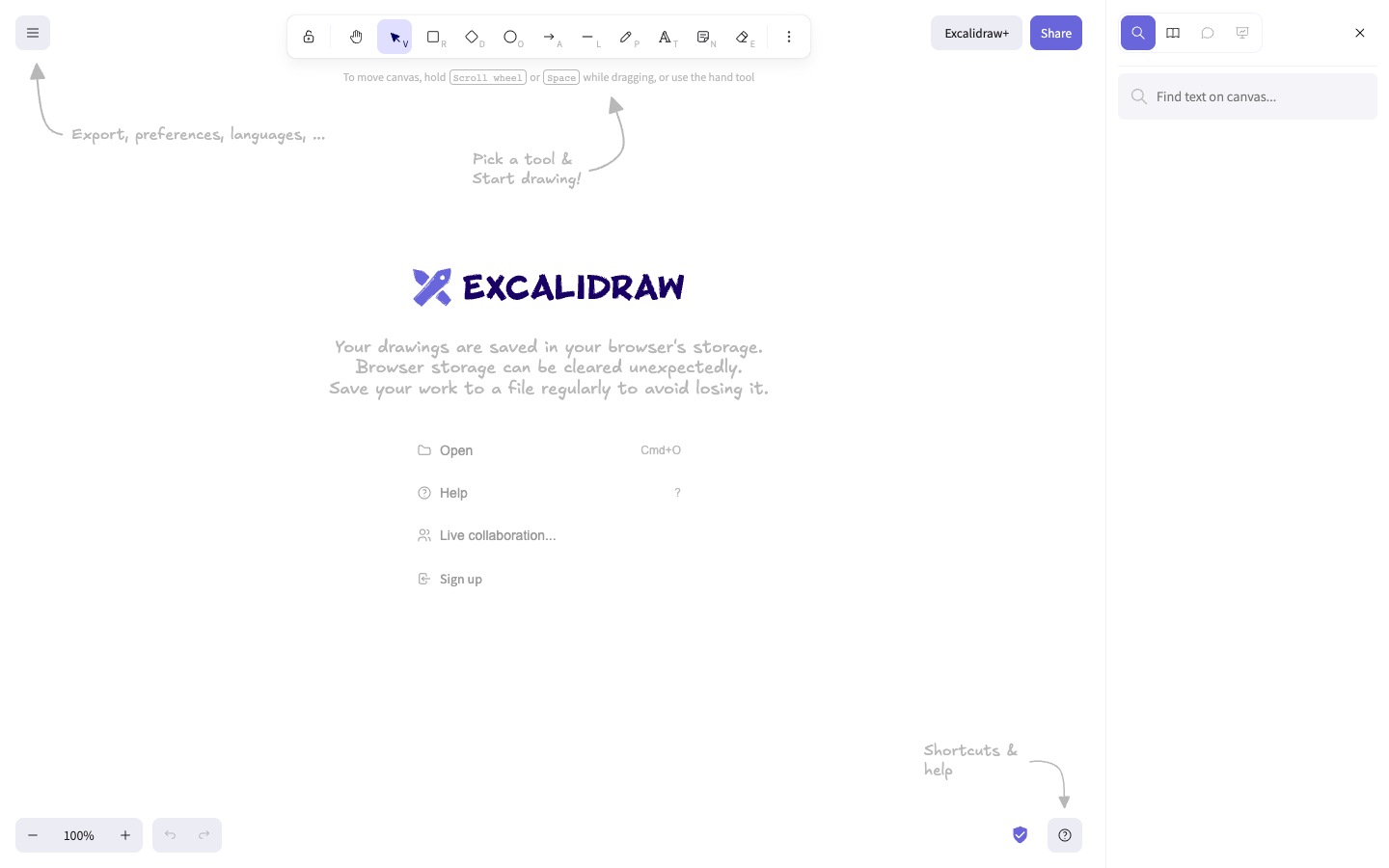
Open the main menu and choose Find on canvas. Enter a phrase in Find text on canvas.... Use the available Frames and Texts filters when you need to narrow the results.
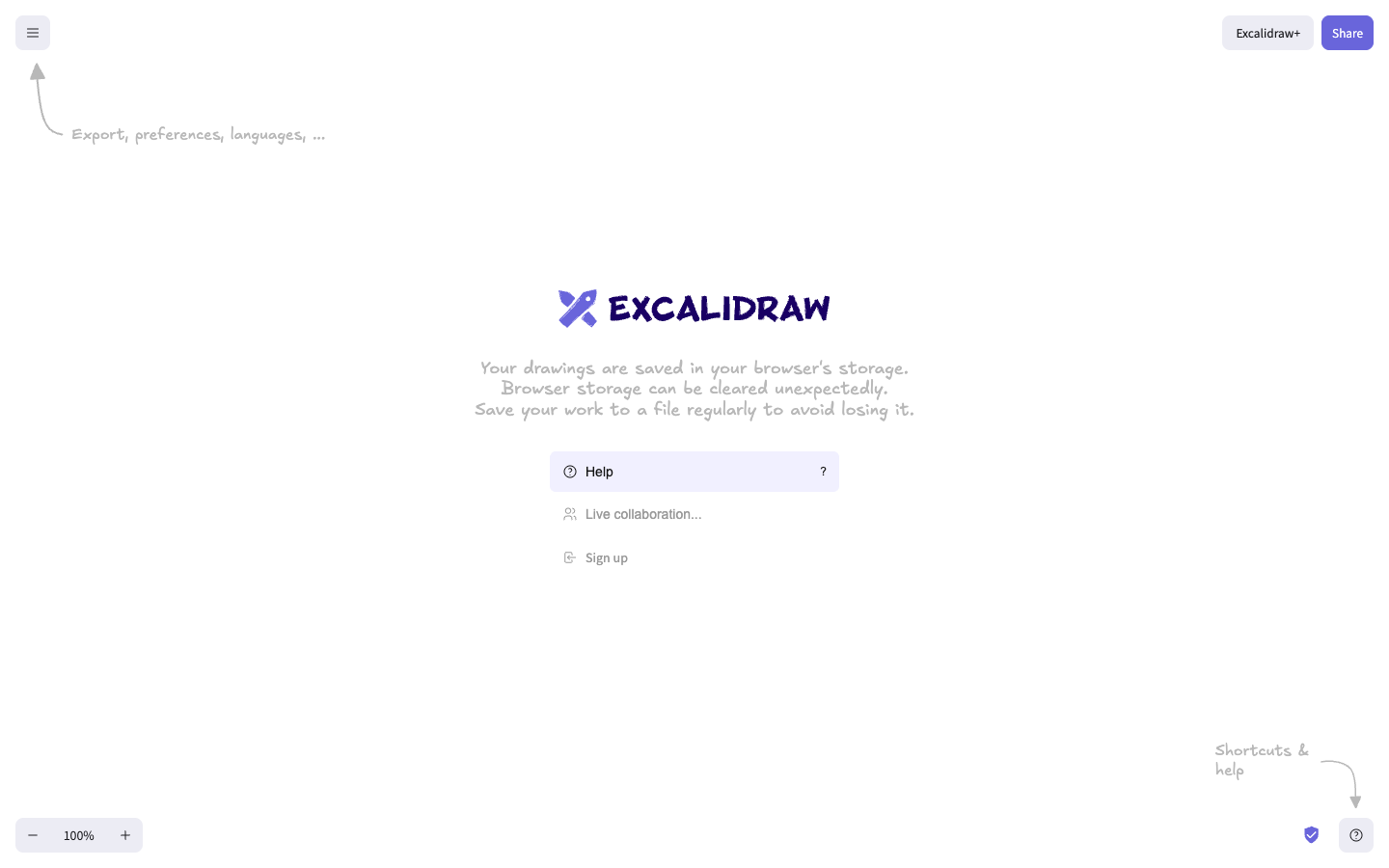
Switch to view mode or presentation mode from the available canvas controls. Editing tools disappear while navigation, help, sharing, and zoom controls remain available.
Choose Lasso selection and draw around the elements you want to select. For temporary presentation emphasis, use Laser pointer from the additional tools. The laser pointer is a presentation aid; it does not add an element to the scene.
Verify
Confirm that the zoom indicator changes when you zoom, the viewport centers the requested content after a fit action, and search reports matches or No matches found.... In view mode, confirm that drawing tools are hidden and the drawing itself is unchanged.
Troubleshooting
If dragging opens a context menu instead of panning, use Hand (panning tool) or keep the secondary button held while moving farther than a click. If search opens but returns no results, search the visible text in the current scene and check both Frames and Texts filters. If a presentation control is unavailable, leave view mode and use the main menu or additional tools.
Next steps
Continue with sharing and collaborating or exporting a drawing.