Excalidraw overview
Choose a first Excalidraw workflow for sketching diagrams or embedding the editor.
Excalidraw is a browser-based drawing editor for making diagrams from shapes, lines, arrows, text, images, frames, and other elements. You can start in the hosted editor or install the React component when you are building Excalidraw into your own application.
Choose your starting point
@excalidraw/excalidraw and render the editor in a React application.Before you begin
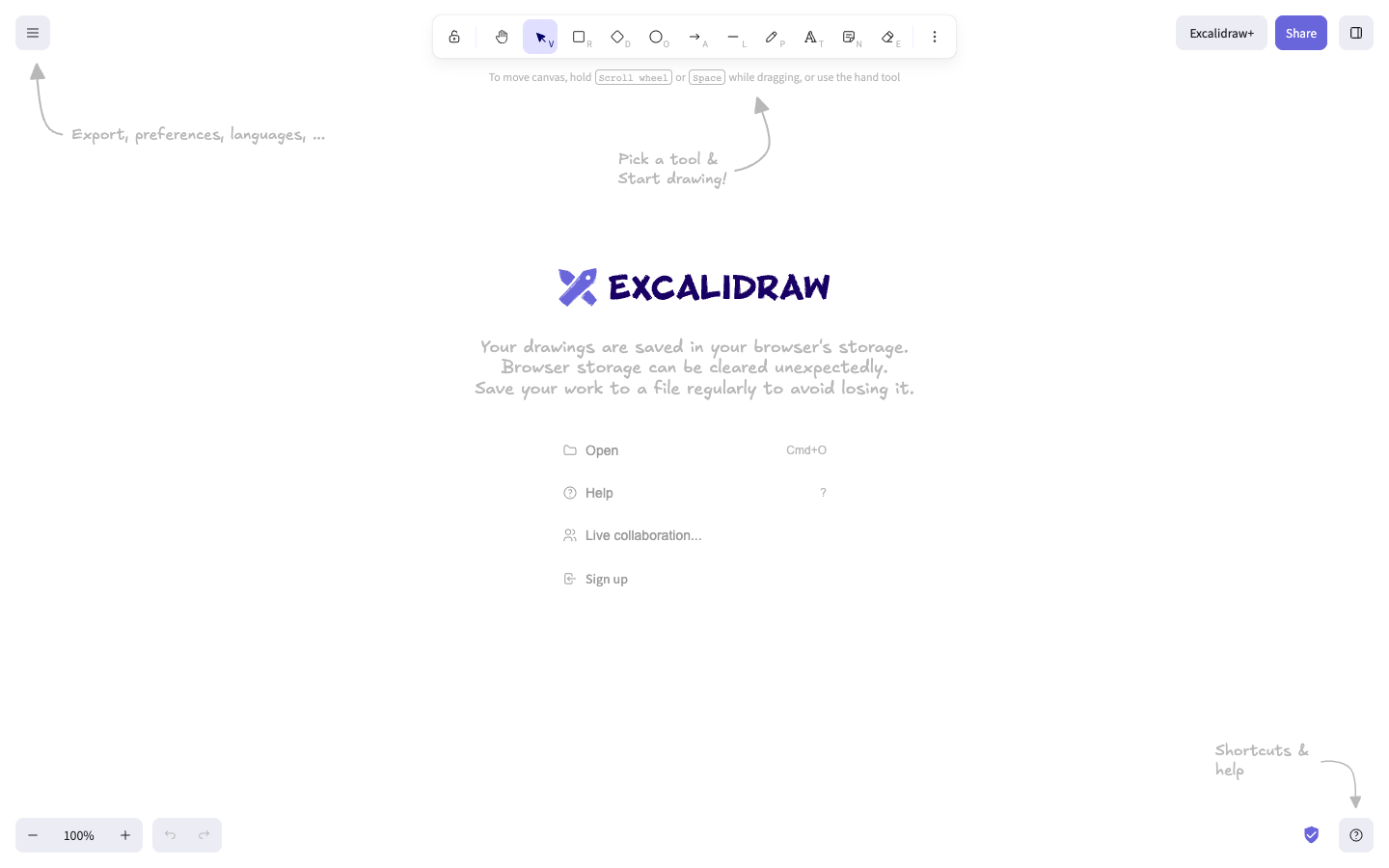
For the hosted editor, use a supported modern browser. The application source targets Chrome 70 or later, Safari 12 or later, Edge 79 or later, and current Firefox development versions. The hosted editor can begin in guest mode; the welcome screen warns that drawings are saved in the browser's storage.
For an embedded editor, prepare a React application and a container with non-zero width and height. Install the package with its React peer dependencies:
npm install react react-dom @excalidraw/excalidrawThe package can also be installed with yarn. If you need unreleased changes, the installation documentation records the @next package channel. Treat that channel as version-sensitive.
Understand the editor
The toolbar gives you Selection, Rectangle, Diamond, Ellipse, Arrow, Line, Draw, Text, and Sticky note tools. More tools exposes additional objects such as Frame and Web Embed. Share and Library are separate entry points for collaboration and reusable elements.
Verify your first result
Open the hosted editor and choose Rectangle. Drag on the canvas. A selected rectangle appears where you drew it.
Choose Arrow, then drag from the rectangle to another point on the canvas. An arrow remains visible with the rectangle.
Choose Text and click the canvas beside the shape. Enter a label. The text, rectangle, and arrow remain visible together as one scene.
You have a working first result when each element remains visible on the canvas and can be selected again with Selection. This same check distinguishes a hosted drawing workflow from an embedded setup: the embedded path is ready when the React container displays the editor with a non-zero size.